This step is diving into the final fase: publication of the app. I want the app to be downloadable on your mobile phone. For this part I did a lot of research since I wasn’t quite familiar with key words I needed to look up. I knew the publication proces needed to be compatible with the Vue tool and the Firebase database. I did research with the key words: ‘publication ‘,’Vue’ and ‘Firebase’ but I could find anything on Youtube and multiple forums that helped me.
As can be seen in the picture below, there is a built option. I tried this out, with hopes that it just gave me a file I could upload to my mobile found, but sadly it just gives my another file. I also tried to look up how to use this file to my benefit and make it so it can be downloaded and used on my mobile phone but I still could find anything that helped me on databases like Youtube and forums. I extended my research with terms like ‘build files’ and also looked on the Vue and Vuetify website.
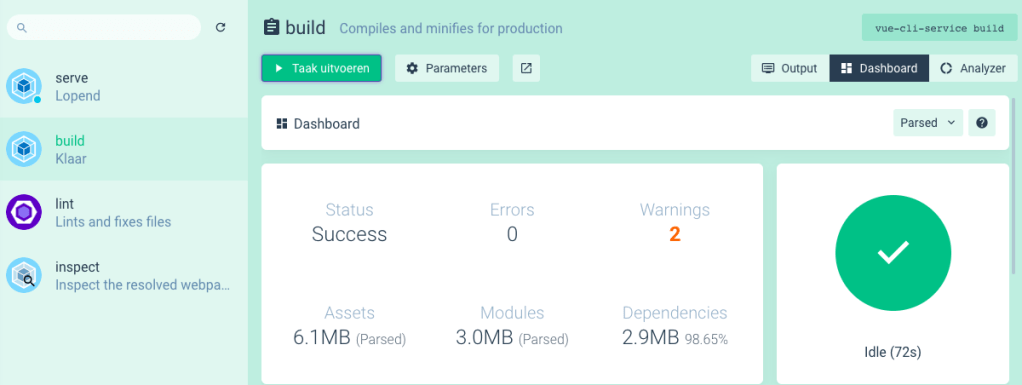
After consulting with my teacher I further extended my research. I did this by looking into Github Pages and Firebase hosting. The links to the websites can be found below the both explanations.
Github
You can publish packages in a public repository (public packages) to share with all of GitHub, or in a private repository (private packages) to share with collaborators or an organisation. You can use GitHub roles and teams to limit who can install or publish each package, as packages inherit the permissions of the repository. Anyone with read permissions for a repository can install a package as a dependency in a project, and anyone with write permissions can publish a new package version. Package works as an Google Docs where everyone can read your code or write in it, depending on what kind of permission you give them. This is not the usage I am looking for, but still very useful for saving purposes. With help of the Github app I could manage my code via my mobile phone. Maybe It will also let me run it? This was interesting, but I looked at further possibilities.
GITHUB: https://help.github.com
Vue and Github
I couldn’t find a right pages introduction/instruction on the Github page itself, but I did found one when searching on the Vue deployment page. It still isn’t very clear to me what I need to put in my vue.config.js. From here on I decided to first do the firebase path since I use a Firebase database and i wasn’t sure if the Firebase database works when I don’t deploy the app via Firebase.
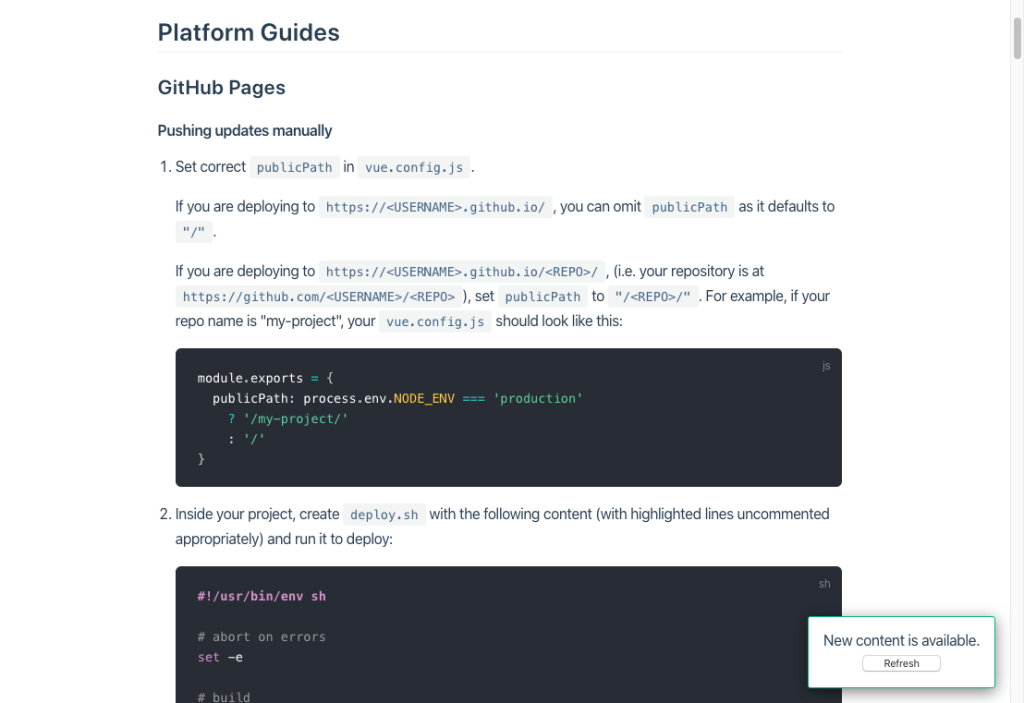
VUE Deployment:https://cli.vuejs.org/guide/deployment.html#pwa
Firebase
For Firebase I looked at information on there website and also found some instructions on the same ‘deployment’ page which is located on the Vue website. The picture below shows the first part of this firebase deployment instruction list.
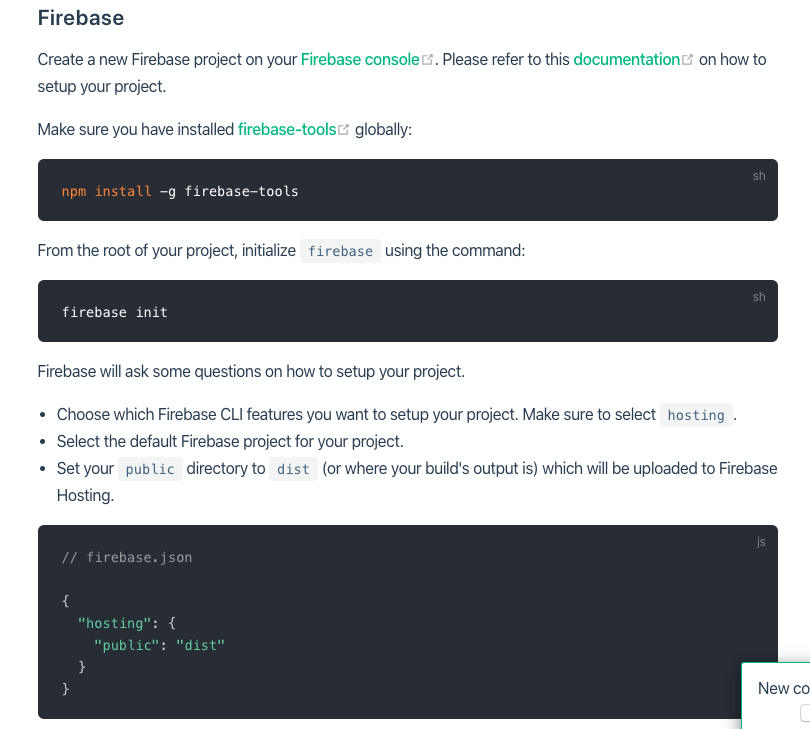
After installing all hosting materials I choose my current firebase project, which is named: Appcalendar. This is because I first used firebase when I made my calendar. The pictures below show some screenshots of the firebase hosting initialisation.
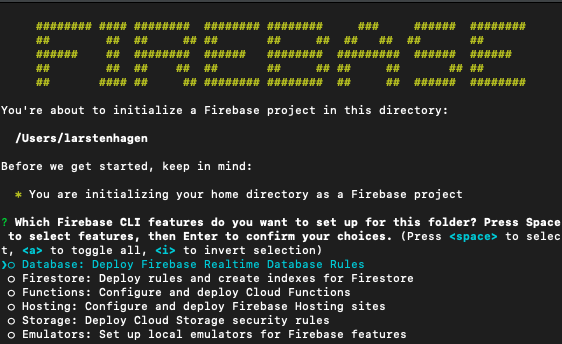

After setting up firebase hosting for my vue.js project I checked if the project was indicated in my Firebase CLI:
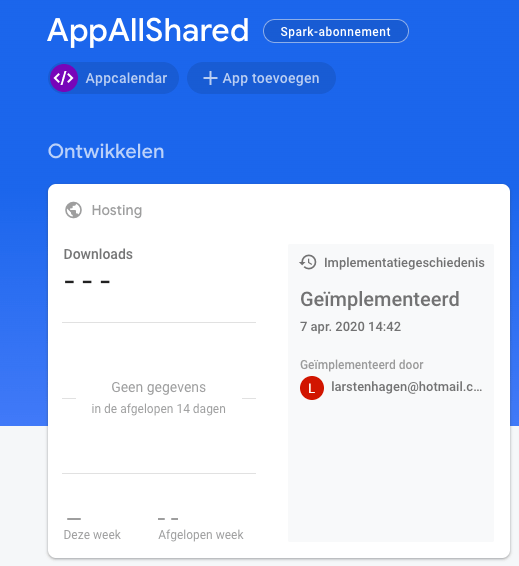

Yes it was. So I served the application on appcalendar-dd352.firebaseapp.com and got this screen:
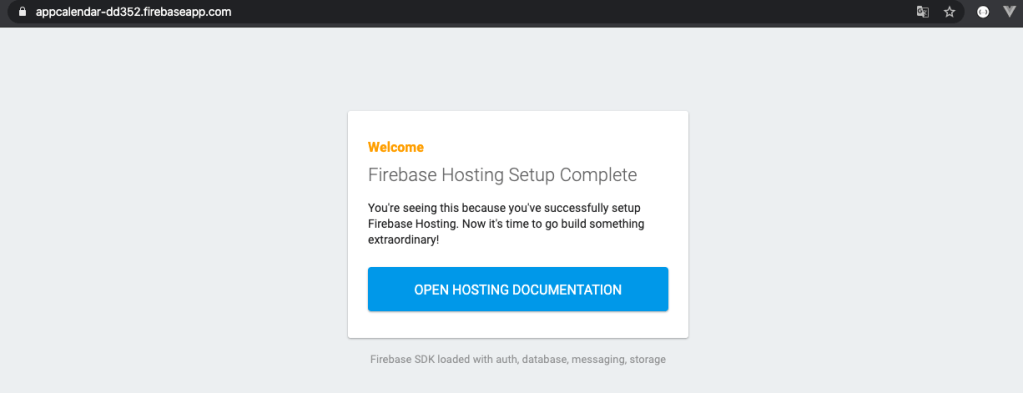
I read the hosting documentation but it didn’t helped me any further. So I went back to Youtube and tried to find anything useful on hosting with firebase and vue.js. I found this playlist:
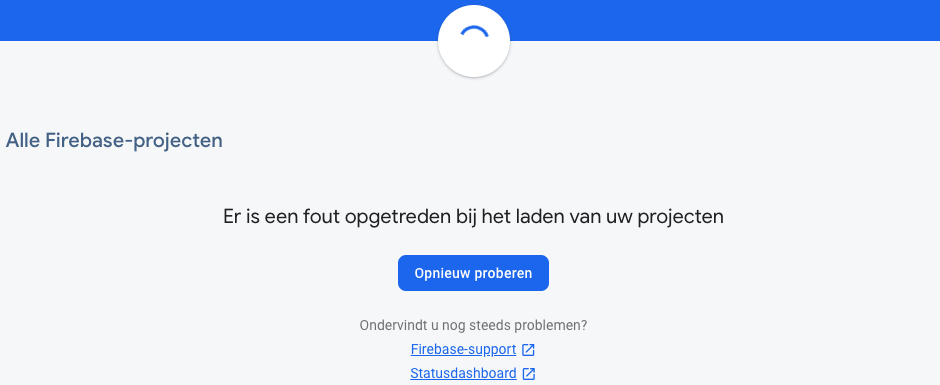
After carefully doing every step in the vue.js tutorial above and learning something about the cd command in the terminal in another Youtube video, I couldn’t find my firebase project anymore. This got me a little upset because this is where I safe my logging in credentials, topic- and calendar details. As can be seen in the picture below, the project isn’t there anymore.
FIREBASE: https://firebase.google.com/docs/hosting
I have send a massage to firebase to retrieve my project, for the time being, I am going to focus on the other steps. This because I need my storage in order to deploy my app. In the summery below I will show what I am missing in my app, what kind of things I learned in this step and what is in the last two steps of this project.
After getting back my Firebase project
—
Reflection
This step of my project was really annoying. After searching I finally thought that page or Firebase hosting could help me get my app deployed, but sadly it didn’t. After making account, trying out plugins and watching tutorials I still didn’t got the app on a mobile phone. To my experience I did this proces quite carefully and read every manually that showed up, but I still missed something.
https://cli.vuejs.org/guide/deployment.html#previewing-locally
End results
Still missing
- app is missing the settings options
- app doesn’t have different account types (supervisor and employee)
- app isn’t deployed on a mobile device
Tricks I learned
- How to use Github packages – 2 hours
- How Github pages could be used for vue.js (didn’t succeed myself) – 5 hours
- How programmers use Github in general, even with there mobile phone – –
- How Firebase hosting could be used for vue.js (didn’t succeed myself) – 6 hours
This page cost me around 2 hours to build
Whats next?
- Testing out the app with users (step 14)
- my creative development (step 15)
 Employee satisfaction