I choose to add topics, not by link but by picking a file. The youtube video below is where I learned the first part of implementing files in the application, with help of FireBase.
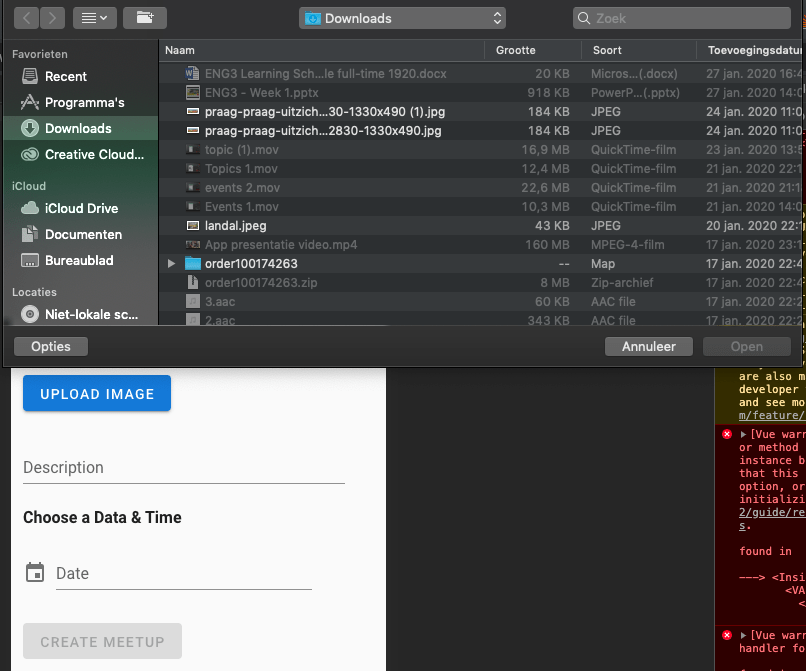
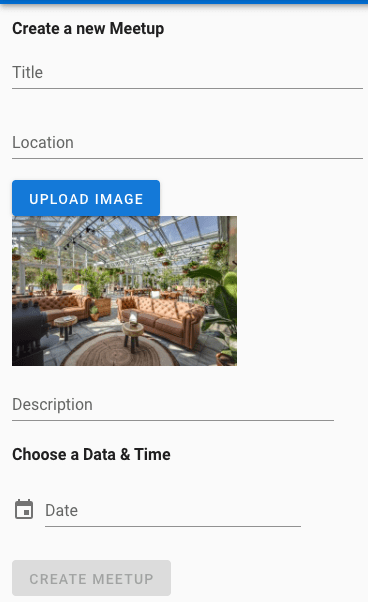
The youtube tutorial teached me how to input a file instead of a link. In the picture below you can see the opened finder venster and the button to add a file. When the button is pushed and a file is chosen. The picture will be displayed.
Struggle
In the youtube tutorial I could not find an other other for MetaData.downloadURL, because this command was outdated. It was hard to find a solution that fitted this setup of my application. The because the right comment/method of this part of the code was missing, the fetched files in the firebase folder didn’t contain the picture Urls.
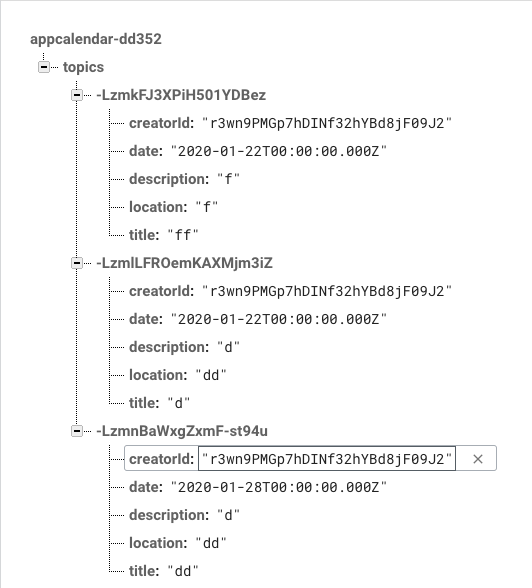
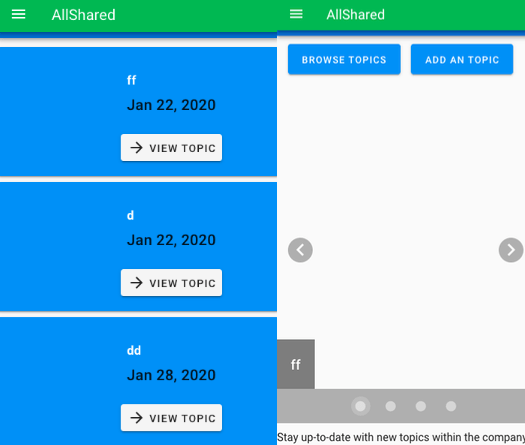
While the pictures where being stored into the Firebase storage:
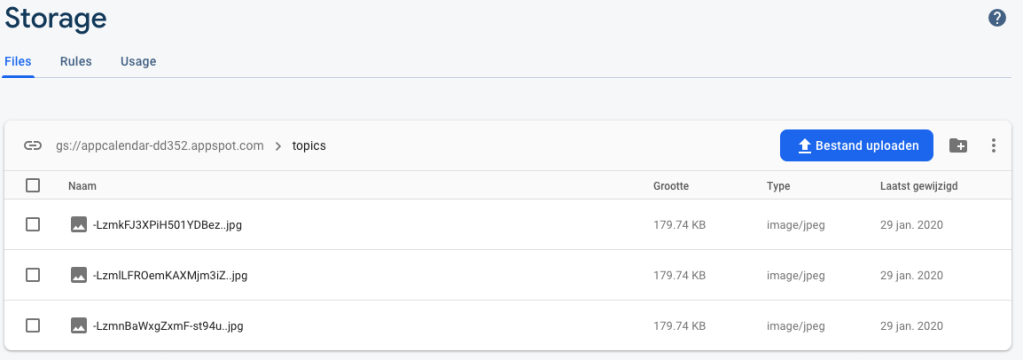
Solution
My first lead on a solution was the suggestion from Firebase itself:
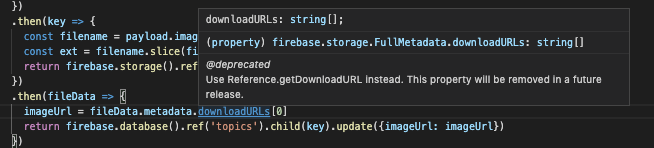
The same approach was displayed on the official site of FireBase:
https://firebase.google.com/docs/storage/android/download-files
Sadly just altering some parts of the code didn’t work. I had to dive deeper. The Youtube video and the link to a forum below showed me a different approaches, but they didn’t use the coding style I used. It still gave me some understanding of a same situation, but in a different coding environment. The FireBase commands are mostly the same.
https://stackoverflow.com/questions/50883632/how-to-get-downloadurl-from-firebase-storage
In the end I watched the comments underneath the Youtube tutorial I follow in the beginning of this step. The first youtube link in the upper part of this blog will bring you to the Youtube video in question. Eventually I found a solution to my problem.
Reflection
I found this step annoying. It reminded me to my lack of experience. The research I did started the wrong way. I was looking for a solution that fitted my coding environment, but search results gave me all kinds of different scenario’s. I learned that it might come very helpful to look at the comments people come up with solutions to almost exactly the same problem I encounter.
Time spend in Topics info
- Watching first Youtube video(a few times): 1 hour
- Implementing first part of the code: 3 hours
- Adding storage and changing authentication of the storage (with online investigation) : 2 hours
- Finding solution (explained in blog): 6 hours
- Writing the blogpost: 2 hours
 Employee satisfaction