Added funtionality
User accounts saved in Firebase
In this blogpost I will upgrade the sign in/ sign up so a user can sign up. When signing in the user can only sign in with an existing account. The accounts are stored on Firebase.
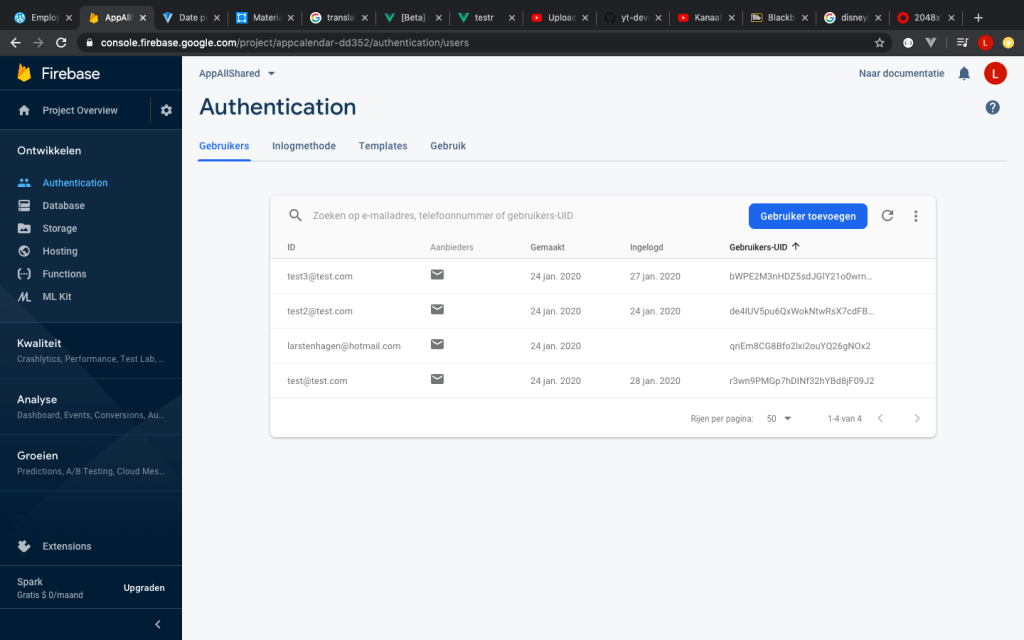
When the application is opened, the user can see a login screen. This used to be only a js function. When you pressed login, it will always bring you to the next page. Now it will give you the option to register and login with your registered account.
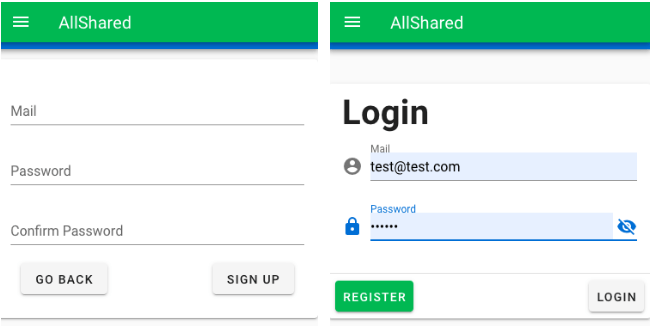
The eye icon on the login page doesn’t work yet. It should make your written password visible.
Display of login/register errors via Firebase
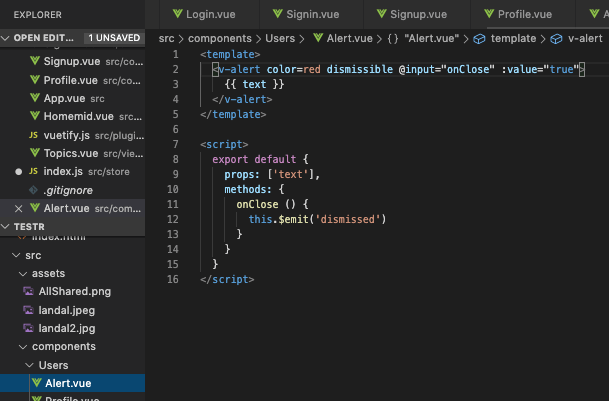
Authentication errors don’t work when the filled in password isn’t long enough(sign up) or when other errors occur when signing in. This notification will notify the user that they did something wrong instead of waiting when the next page is loaded.

I had to create a method that catches the error displayed in the terminal by Firebase. The separate code for displaying the error text within a red bar is displayed below. Where the code is initiated and loads the errors from the store/index.js can be found in my final code.
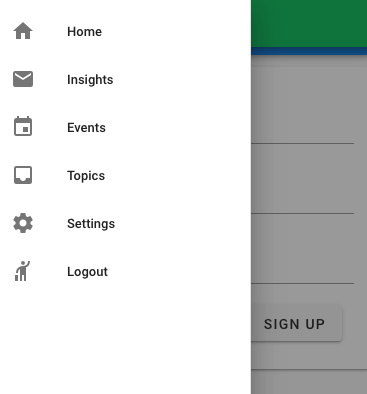
Add option to logout manually
To change which account you logged in with you can logout. The logout button will bring you to the sign-in page.
Keep being signed in when refreshed
I can login, but when I refresh the page, I need to log back in. So I changed it that you that nothing changed until you pressed logout or open the application again.
Only add topics when signed in
When logged out, the user can’t add a topic. When a topic is added by a user, the topic comes with the userID. By adding which user post the topic, you can choose admins.
Sources
The Youtube tutorial I used in the previous steps was also quite useful in this step.
Further more I used the Vuetify component page for some display purposes and did research on how to change the authentication of the Firebase database with help of online blogs.
Time spend on login/logout
- Add the users option to Firebase: 1,5 hours
- Add the option to create users and load them in my own code: 3,5 hours
- Firebase authentication: 3 hours
- Fine tuning of the Log-in/Log-out by finishing steps displayed above: 6 hours
- Writing the blog and making the Youtube video: 1 hour
 Employee satisfaction