This blogpost is an addition on the last blogpost. The topic page is separated in two because the time I spend and the things I learned when making the topic page are more than previous steps done before.
Struggles I had while making the topic page
Time and date picker
The first problem I encountered while making this step was the time and date picker on the “add topic” page.
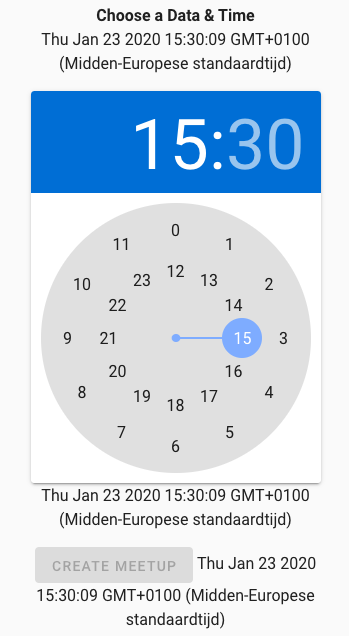
The date and time pickers aren’t displayed as I want them to. The time picker is static and the date picker isn’t visible at all. I eventually managed to get them into a dialog. The result is displayed below.
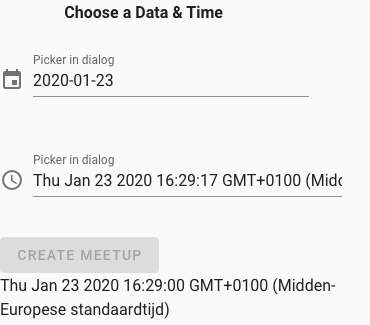
I reached the result by looking into the different dialogs that are available on the Vuetify website and connect the output from the pickers. Link to the Vuetify website: https://vuetifyjs.com/en/components/time-picker.
Making topic photo’s overview and separate topic photo’s visible
I can’t display the foto’s in the overview and in the “view meetup”.
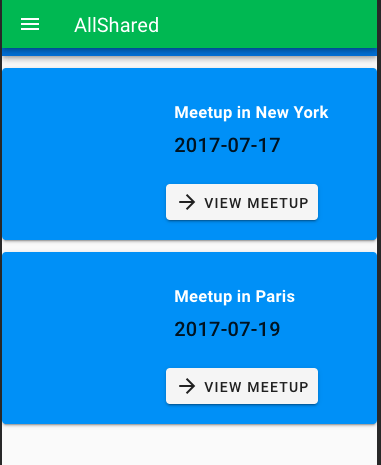
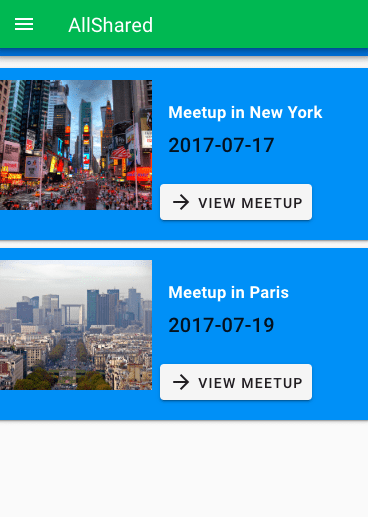
Eventually I needed to change the v-card-media to v-img. Now the pictures are displayed correctly. I found this solution with help of an experienced web development student within my class. He noticed that the unloaded picture by inspecting and selecting the right element where the component is nested in.
Permission denied
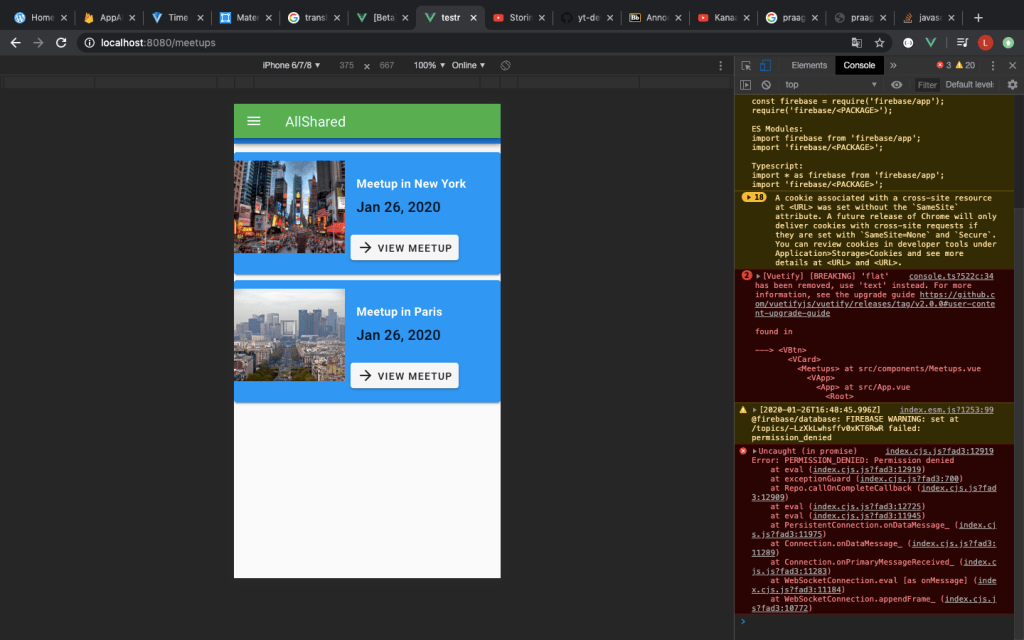
Eventually I managed to find the problem. It was in the settings of not the cloud firestorm of Firebase, but the realtime database (as can be seen below).
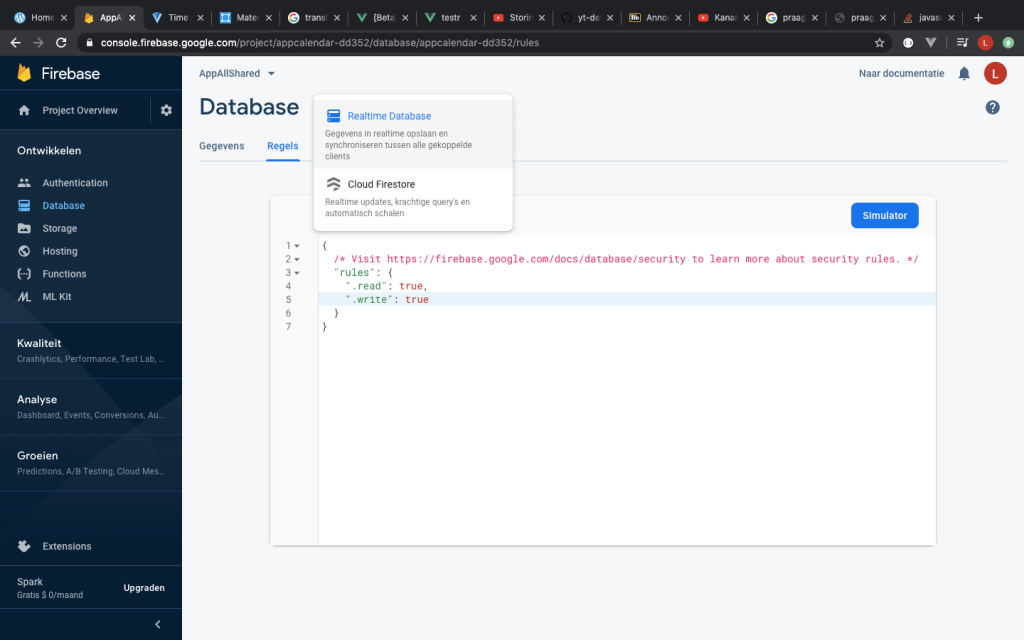
The rules needed to be changed in order to grand permission to change things within the database I am using. I found this solution in a post on the internet. A link to the post can be found below.
https://stackoverflow.com/questions/51707898/permission-denied-when-permissions-are-actually-allowed
Further development
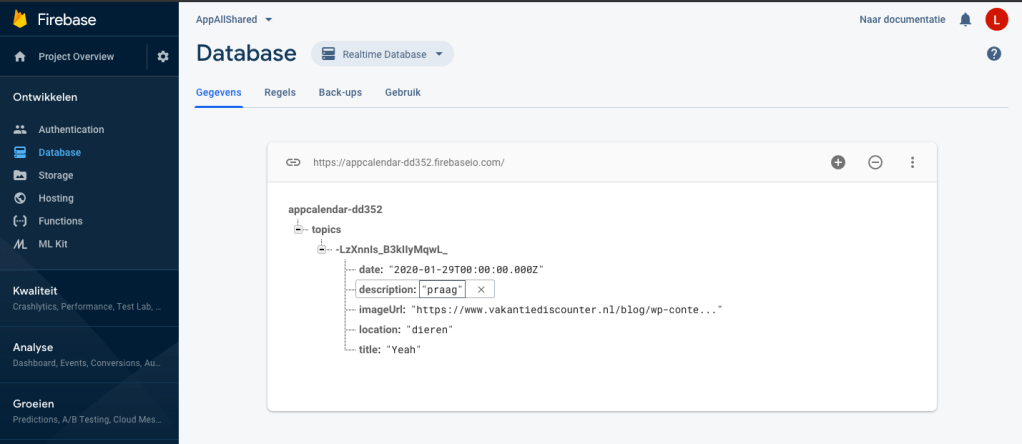
Eventually I managed to store the created topics into firebase and load them back to my app. The values I create are the date description, location, image and title. These values will be given the right place when displayed as a topic. Below you can see the values (example) that are stored.
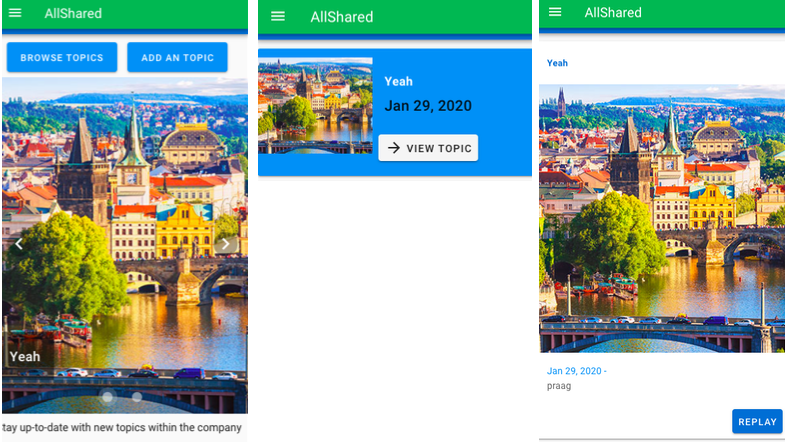
The picture below shows how the data is displayed within the app.
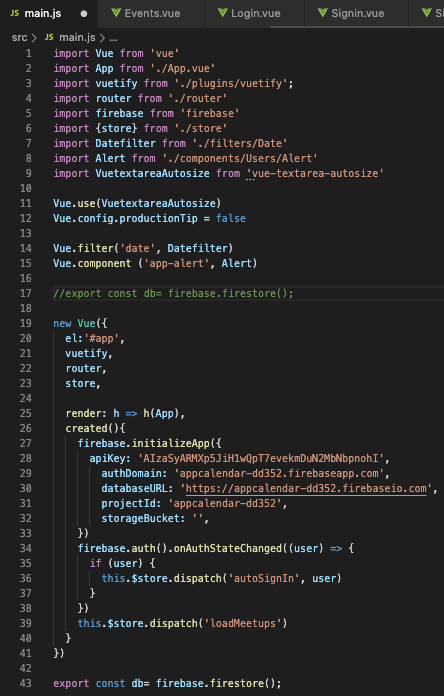
By adding the storage functionality to the topic page, it was lost in the calendar page. This is solved by moving the line of code below. The place it use to be is commented out. the constant db binds the calendar page with Firebase.
Time spend
- Implementing time and date picker into ‘create a topic’: 3 hours
- Displaying pictures in the topic overview and highlight page: 2 hours
- Further watching the same Youtube tutorial playlist as in the last post: 3 hours
- Implementing Firebase code into my application: –> Finding permission to create new topics and load them: 3 hours , Perfection the front end of the application: 3 hours
- Making the blogpost: 1,5 hours
 Employee satisfaction