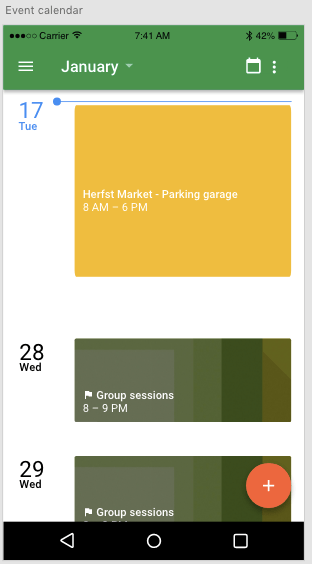
In this part of the project I am going to tell you how I managed to get a working agenda in the app. In the picture below you can see a standard layout of what I imagent such a event calendar will look like. This layout was made with adobe XD.
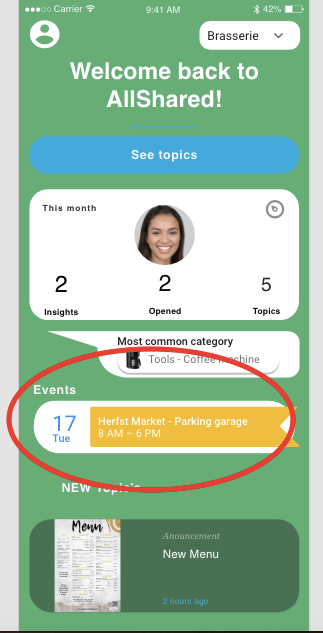
The Event calendar is linked with the home page. In order to fill the home page I am planning to first fill all the other parts of the app. Only then I can deside how the home page is going to look like. The pictures below show a layout of where I imagent the link to the event agenda is going to be.
Attempt 1
I first started to look at the layouts that where already available on the Vuetify site. I implemented the layout into my app with the right navigation I already made. The navigation turned out to be more difficult than expected because it covered some of the other components of the events page. Below you can see the first try of the events page.
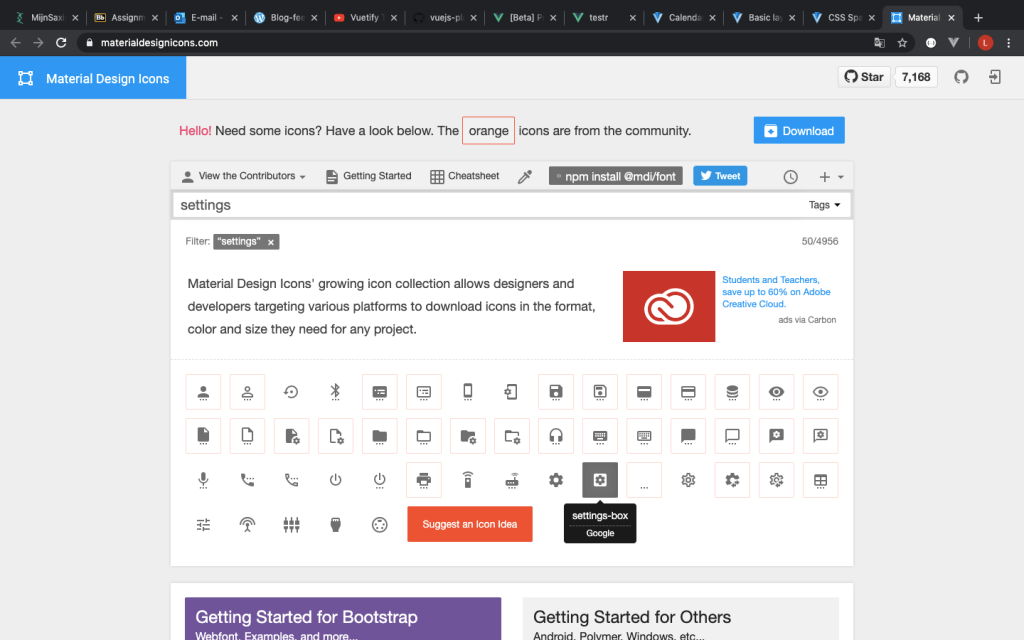
In order to implement some of the agenda/ calendar codes, I needed to find the right aliases and notations. This i did with help of materialdesignicons.com and codepen.io to test and preview some of the code before I implemented it.

Attempt 2
In the second attempt i used firebase. Firebase remembers the input I give it and gives me the opportunity to save my calendar files for the next time I open it. The Youtube video below helped me understand Firebase and how to install and implement it to my code.
The video below shows the solution I came up with for the calendar that keeps track of the events. In the ideal situation a normal user can add events and work appointments for himself while a admin from the company can add events that are interesting for the whole company. I failed to add this functionality to the app, but I still could give the app a personal event calendar.
Reflection
This time I did invest a lot of time in the setup of the step. Firebase itself is from Google and is very user friendly, this helped me a lot to get trough the installation steps. After the installation of Firebase.
I still struggle a lot with the navigation bar. This cost me a lot of time. If I simple managed to correct the navigation bar in the first place i didn’t need to dive into the knowledge of navigation again.
Time spent on Event calendar:
- Attempt one (mainly javascript): 5 hours
- Watching the Youtube video (multiple times): 2 hours
- Setting up Firebase: 3 hours
- Implementing the code into mine: 6 hours
- Making Youtube videos and delivering other content to this post: 1 hour
 Employee satisfaction