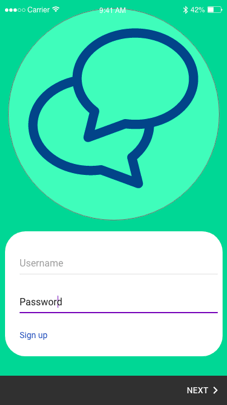
What do I want my login page to do? Just have a visual page which only accepts certain words within the login lines. This is doable by an JavaScript code. Or do I want more than one users to be excepted and that the accounts which are granted access to be altered to my liking (in an easy way). This could be done by MyAdmin. In the paragraph underneath I explain how I tried to understand how XAMPP works and how it could be implemented into my app.
XAMPP
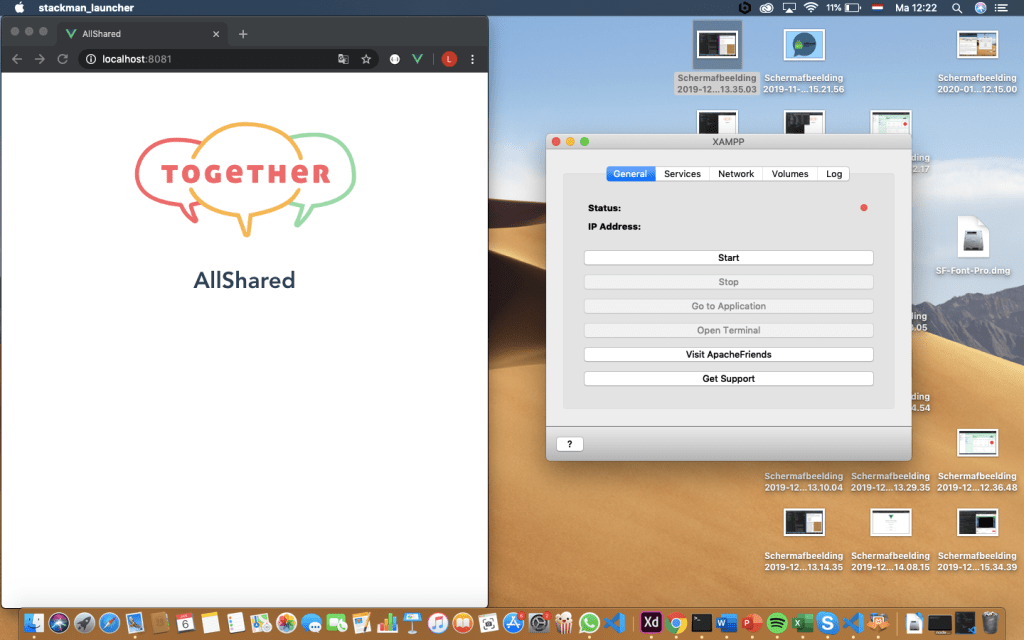
The picture above shows the page when XAMPP is off.

In order to connect XAMPP to my app I enable the localhost:8080. The second time I started the app (via the UI dashboard) it changed its localhost to 8081, but this was easily changed within XAMPP.
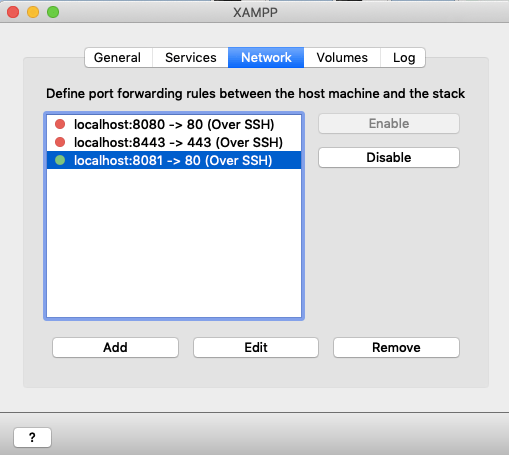
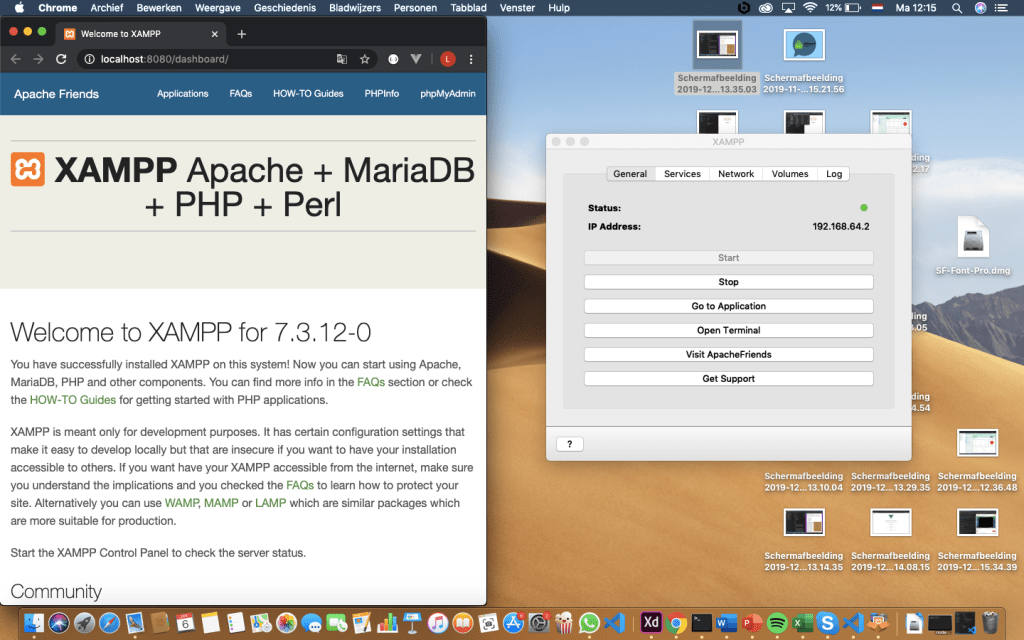
The picture above shows the app when XAMPP is on. This page can be altered to make it a login screen to my liking. Now it shows a default page where all the programming steps are explained.
I choose not to use this method because I want a simple page which brings my to the home page after typing in the name or password I want. This can be done by JavaScript.
Login Functionality with JavaScript
Attempt one
To create the login page I want I inquired an article. The link to the article can be found below.
https://www.thepolyglotdeveloper.com/2018/04/simple-user-login-vuejs-web-application/
The article explains how he setup a simple login page from one page to the next one. The publisher also used VUE. The code he made is shown and he explains every step. Because of the HTML and CSS knowledge I acquired in the last step I know where to put the different codes in order to make it work in my app.
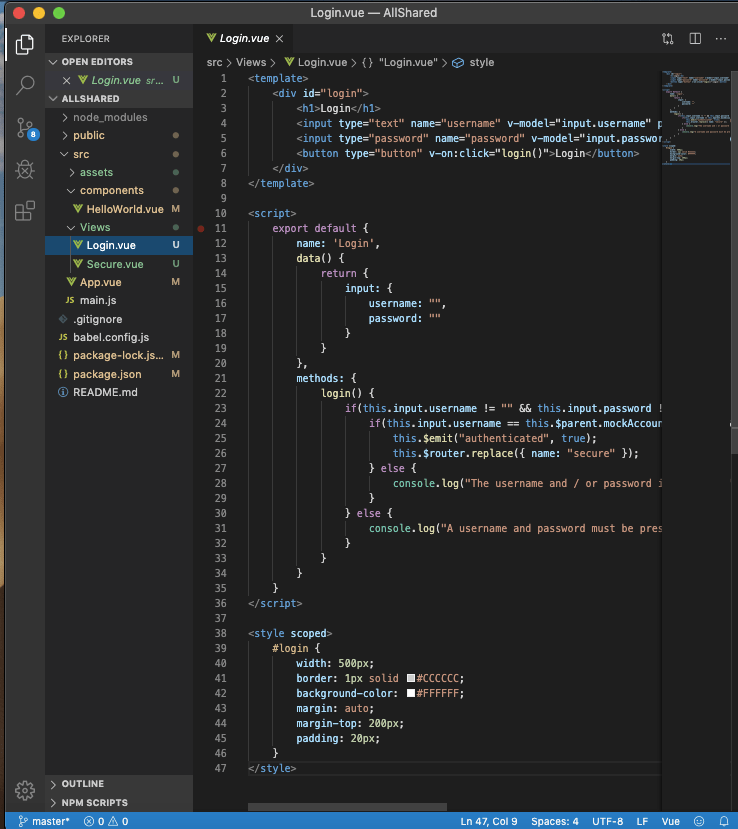
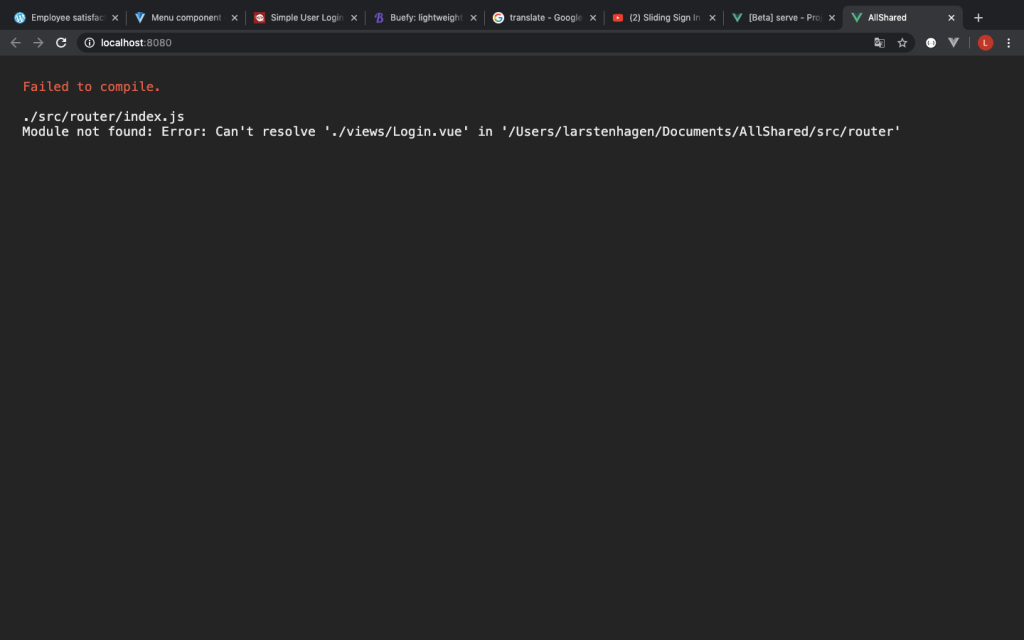
Eventually it didn’t worked. I put a router into the app with help of the Vue CLI and but I got the massage underneath. So I came to realise I had to find a simpler way.
Attempt two
Since the first article didn’t helped me create the login page I turned to Youtube. The Youtuber showed me some javascript coding with combined with CSS styling. I understand the JavaScript, but I still find it hard to understand CSS. The link underneath will bring you to the youtube video.
To create the login page the Youtuber descripes I needed to install Sass within my Vue Project. For this I inquired the youtube video below.

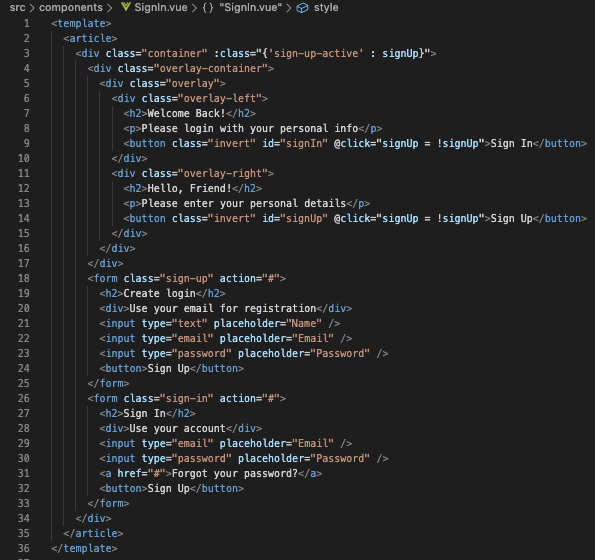
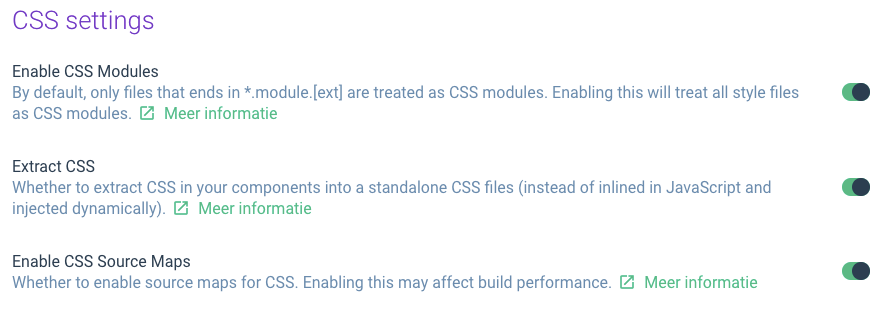
To create the right settings I needed to changes certain things after the instalment, otherwise it didn’t accept the sass styling that was used. The settings are displayed below.
The end result is displayed below.
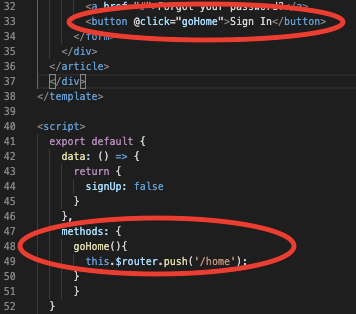
When the Sign In button is pressed it will bring the user to the home page. In order to connect the page to the next page I tried out a multiple page approach and a single page approach. Eventually I chose for a single page approach with help of a Vue router. This could be aded as a plugin within the Vue CLI. More research information about the router option and navigation from the home page can be found in the next post.
Time spend
- XAMPP downloading, setting up and practising : 6 hours
- Javascript attempt one: 3 hours
- Javascript attempt two: 5 hours
- Connecting the login page with the next page: 2 hour
 Employee satisfaction