For the making of the app, I am going to use some pre-made android app layouts from sites as Bulma, Vuetify and Buefy. In order to understand most of the code that is going to be used within Vue, I decided to first try and learn the basics of HTML. This knowledge will help me to change the available code to my liking.
The link below will bring you to the LinkInLearning webpage of the HTML course I followed. I watched all the videos and did the practise exams. When I look back on what I learn during the course. I could say that not all features where that important for the building of my app. The course went in on carefully structuring all the content of the codes, I found that to be less important than the all the visual aspects of HTML.
During the course I also learned to understand the connection of CSS and JavaScript to HTML. I did have some experience with JavaScript but not with CSS. It was nice to learn how the three of them work together.
During the course it wasn’t only listening. There were some challenge exams to test my skills. This was a very nice way to test how much I really remembered after the lessons. For every exam there is a video were the teacher explains what to do and in the next video and he carefully explains what he did to solve the exam.
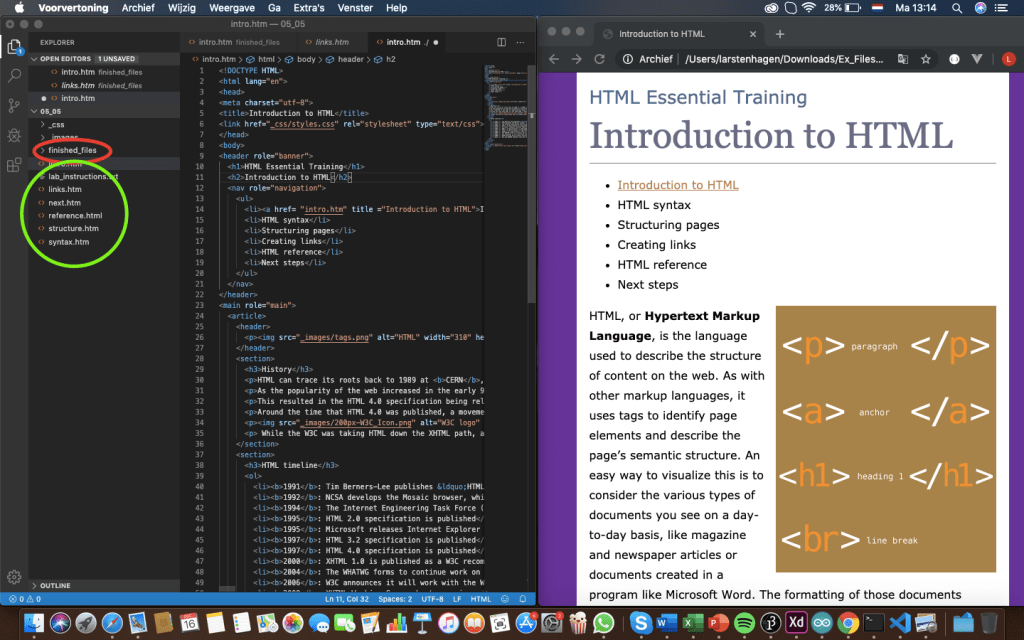
The picture below shows the way I made the challenges. At first I didn’t know how to show my site in the browser, so I made the practising code (green) and compared it with the finished files (red). The screen on the right side didn’t update, every time I want to see my progress in the web browser, I needed to reopen the file.
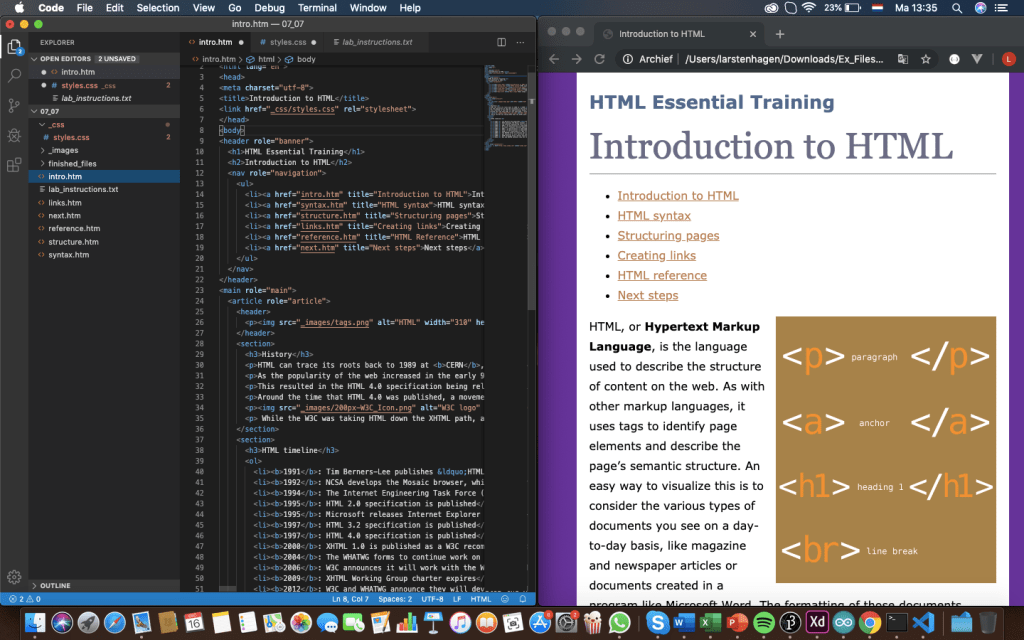
For my own app I choose a starting picture and write some text to test what i learned. I watched the same tutorial as before for Vue to see how much I understand now in
comparison with before I did the tutorial. I now understand how the layout is made and I can read some most of the code. I find it still hard to write it myself, but since I am going to use pre-made android software this should be doable.

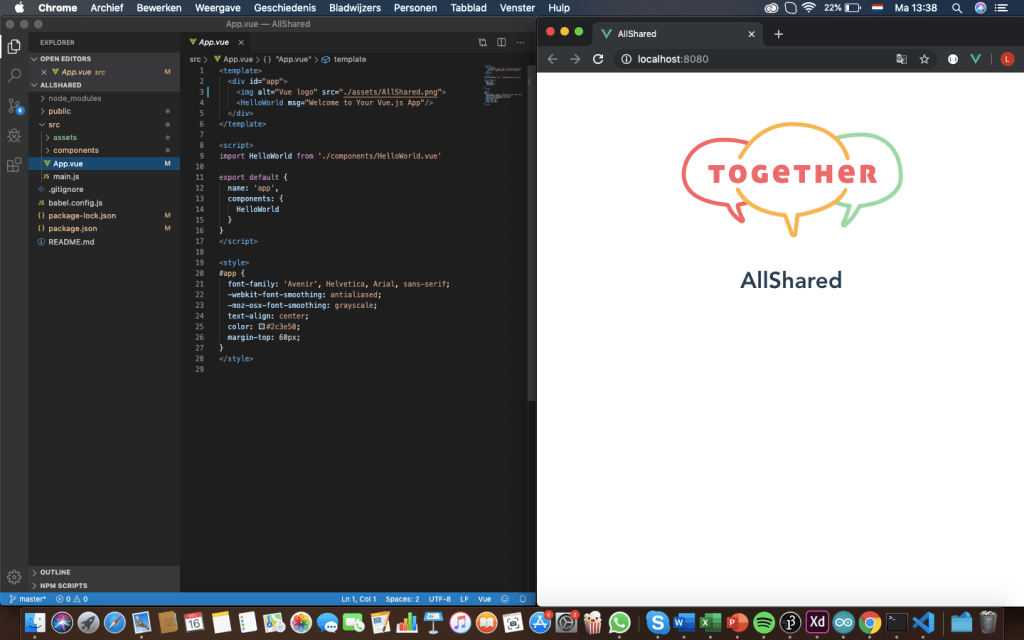
For my app I mainly put different HTML and javaScript codes into my app. At the end of the learning course I experienced that I could better understand why I need to put a certain code at a certain place.
Time spend on HTML
- Watching the video tutorials from LinkedInLearning (Linda): 6 hours
- Making practise files from the LinkedInLearning course: 6 hours
- Practising HTML on my own app: 2 hours
- Re-watching Vue tutorials: 1 hour
 Employee satisfaction