Research on programming tool
For starter I like to mention that the following programming tools are picked by advice of the teachers and follow programming students. This is done because of the lack of programming experience I have myself.
The following programming tools have been selected:
- Android studio
- Vue
- Processing
- MIT App developer
What did I want the app to do but also, what do I want to learn? Programming by using Java is a good start. From there I looked at the different kind of visualisations and interactions the tools had to offer. In order to find the right tool to program the app, research by watching tutorials was done. Making small codes and watching different examples helped me show the different possibilities of the tools.
Android studio
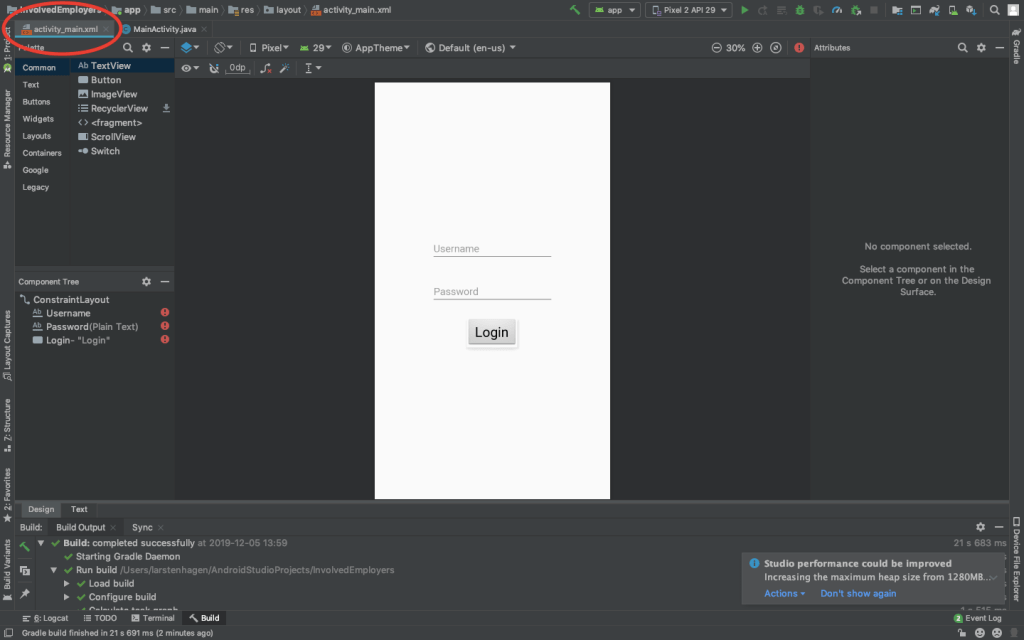
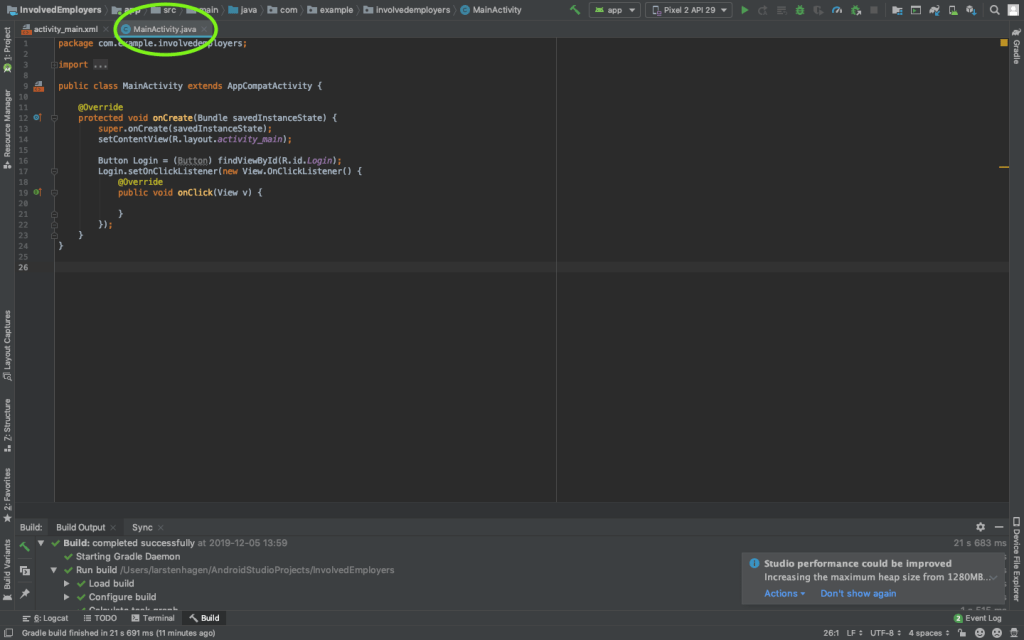
For Android studio and Vue I looked at small examples of codes and installed the tools to try them out for myself. In week 2 I made a small logging in page in Android studio and looked at two tutorials of one our to watch the different possibilities the tool has to offer. It is a nice way of adding buttons and layers of tekst. You can connect the buttons you insert in the code to different actions. In the pictures below you can see the visual representation page and the java code page. It isn’t connected, it only served as a test.
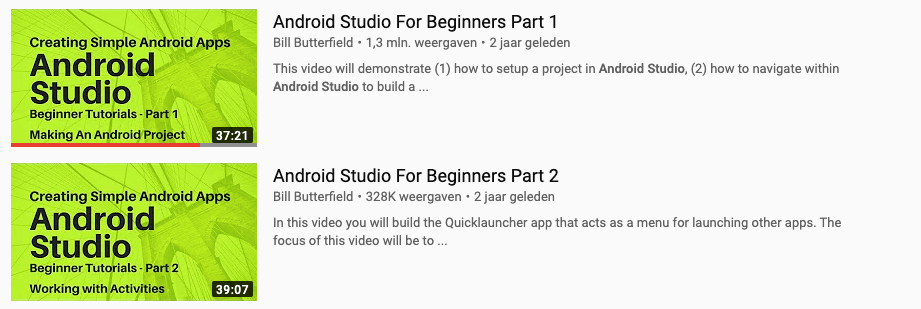
For Android studio I watched two youtube tutorials. They are displayed below.
Vue
The installation and setup of Vue doesn’t worked the way it was displayed in the tutorials. The Node.js I dowloaded was denied access my laptop. To change settings within the terminal of my computer I watched tutorials of about 1 hour.
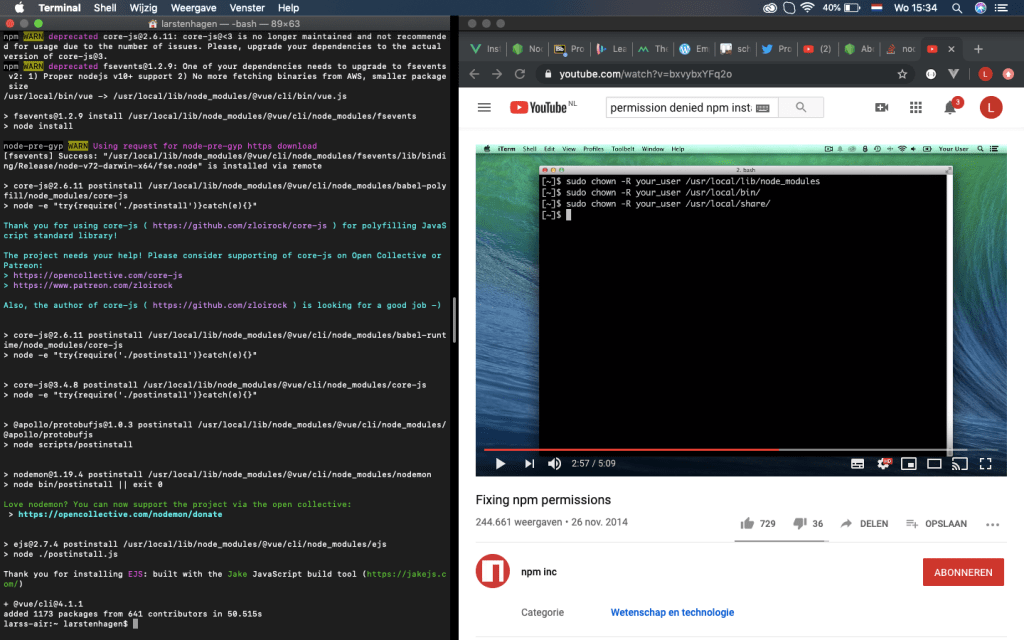
After finding the right settings I could create my first test website. This website can eventually work as an app which can be displayed on your mobile phone. The new app could be created via the terminal or a pre-made dash board (Beta). Within this dashboard I can display some statistics of my app, so want to eventually use the dashboard. The dashboard is displayed below.
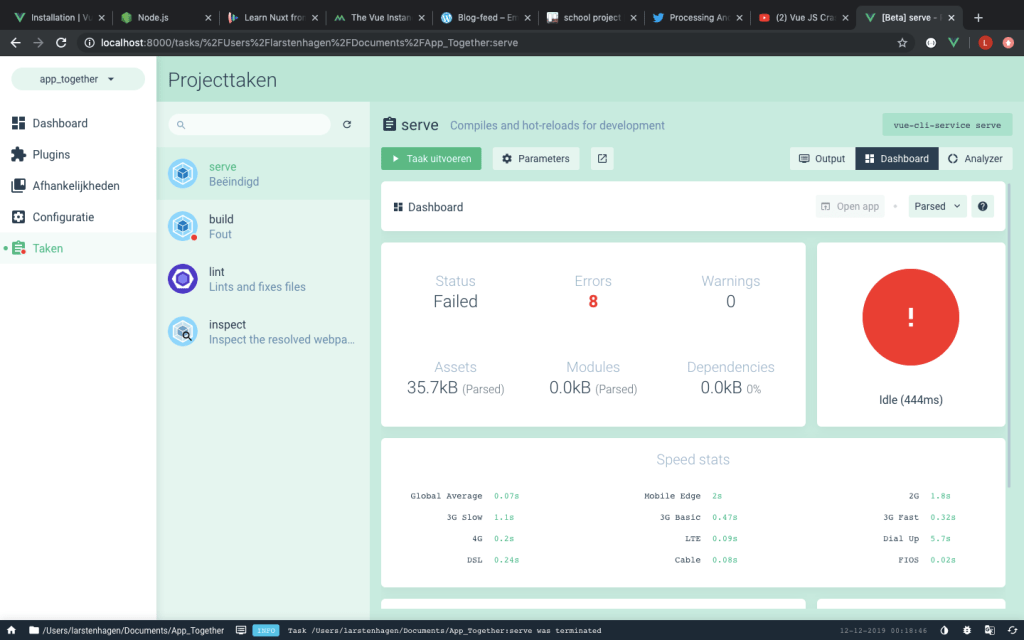
The terminal worked, but the dashboard sadly didn’t. The picture below displays the test website, made with the terminal.
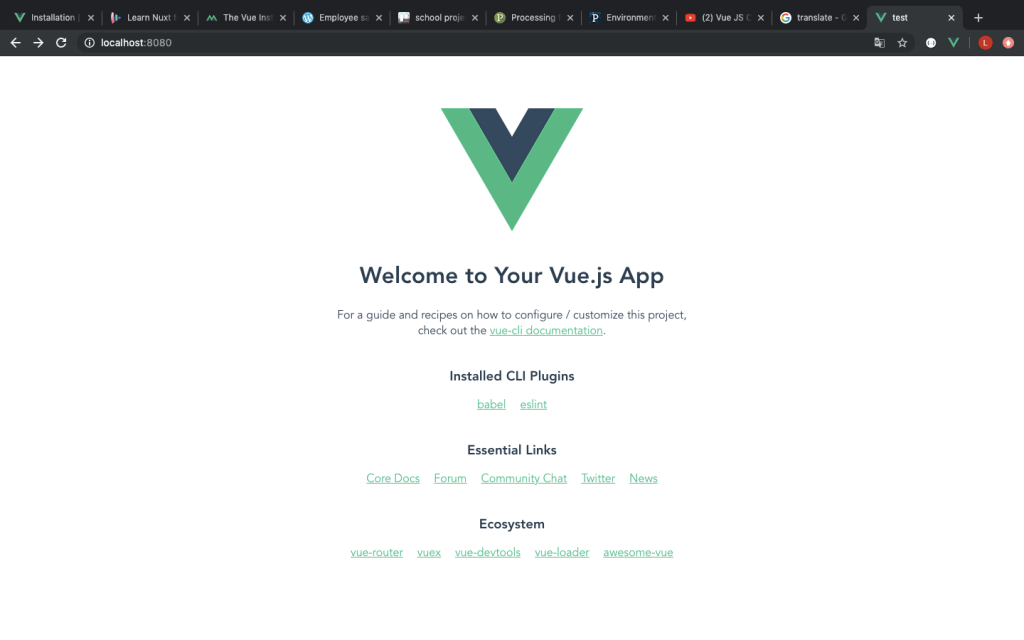
I need to decide if I wanted to go on with the terminal or fixe the dashboard if I decide to use Vue. For Vue I watched two youtube tutorials and some lessons. They are displayed below.
https://www.vuemastery.com/courses/intro-to-vue-js/vue-instance
https://vueschool.io/courses/nuxtjs-fundamentals

Processing
For processing I read a tutorial on the official website. This worked for me since the layout was familiar. I downloaded the The link below brings you to the webpage of the tutorial.
https://android.processing.org/tutorials/getting_started/index.html
I have also looked at a few youtube tutorials for the possibilities that processing has to offer. And the ease of transferring code to a mobile phone.
http://www.youtube.com/watch?v=TH4bl-5Nxk8
MIT
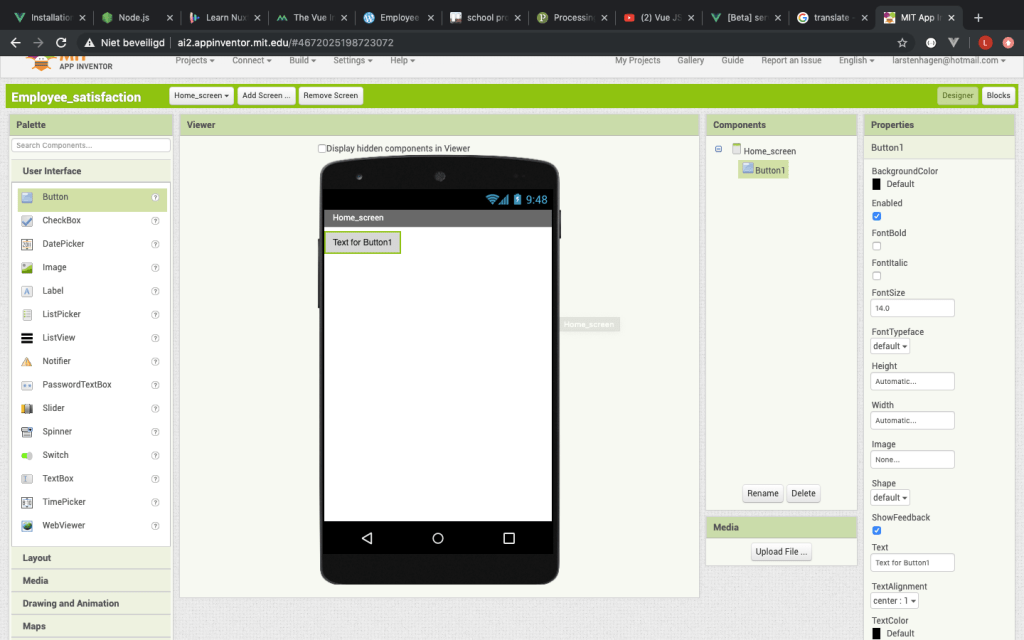
For MIT app development I didn’t really put much effort into finding out the different functionality because of the simple layout. I want to learn to make an app by doing javaScript coding, not by placing pre-made buttons and text.
Final decision
The layout of android studio isn’t to my liking. I find the coding part too unfamiliar. And to link the buttons in the code is hard if you aren’t use to it. At first, I thought of Vue as a nice way to really learn javaScript in the web browser. It was very hard to implement on my laptop after changing the settings. Eventually I needed to start up the design of the app inside my terminal every time. The programming was supported by a lot of tutorials but it showed to be quite hard, despite the extensions that helped simplify the coding.
Processing showed to be a nice direct method. Your mobile phone can display the app with a usb connection. I am afraid that processing isn’t the easiest tool if it comes to the building of my app. It is nicer if I didn’t have so much conditional rendering.
MIT app development does isn’t the way I want to increase my javaScript knowledge. This because of the way the buttons are implemented and the different screens that are added.
I am going to use Vue as my programming app. Now the installation is completed , I think that it should go easier. The tutorials that are
available should help me.
Time for choosing of the programming app: 16 hours
- android studio: 4 hours
- Vue: 9 hours
- Processing: 2 hours
- MIT: 1 hour
 Employee satisfaction